

Trenching isn't an option
There's a road, river, railway or third-party land between the buildings, or the groundworks quote is more than the project is worth.
We connect buildings, yards and remote sites across Lancashire, the North West and the UK with point-to-point wireless, laser bridges and point-to-multipoint networks. If the two ends can see each other, we can usually link them in days — without trenching, wayleaves or a monthly circuit rental.
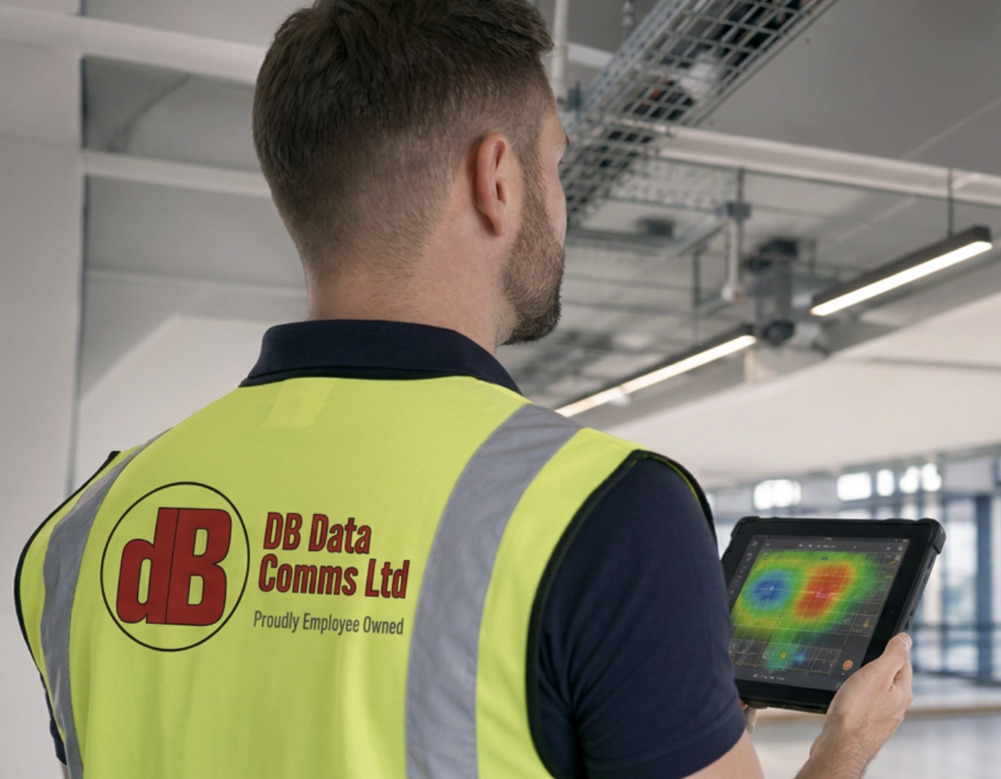
A point-to-point wireless link is a pair of radios — or lasers — mounted on two buildings and aimed at each other, carrying a network connection through the air instead of through a cable. Properly specified, it behaves like a cable between the sites: one network, the same phones, cameras and systems, and no monthly line rental.
It needs a clear line of sight between the two ends and the right frequency band for the distance and bandwidth. Choosing that band is most of the job, and it's where we start.
Linking a second building sounds simple until you price the route. A road, car park, railway or someone else's land brings excavation, reinstatement, wayleaves and months of waiting — if permission is granted at all. A wireless link takes the ground out of the equation.
There's a road, river, railway or third-party land between the buildings, or the groundworks quote is more than the project is worth.
A new carrier circuit to a second building typically takes 45–90 days. A link can be surveyed, installed and passing traffic in a fraction of that.
Construction compounds, seasonal operations and short leases rarely justify permanent civils. A link can be recovered and redeployed.
There's no single best radio. A 200-metre hop between neighbouring units and a 6-kilometre link to a remote depot need completely different equipment. We survey first and specify afterwards — this is the shortlist we choose from.
| Option | Typical range | Capacity | Licensing | Best for |
|---|---|---|---|---|
| 5 GHz | Up to several km | Hundreds of Mbps | Licence-exempt, shared spectrum | Longer links on a budget; partly obstructed paths |
| 60 GHz | Up to around 1–2 km | Multi-gigabit | Licence-exempt, very little interference | Short, high-capacity hops between neighbouring buildings |
| E-band (70/80 GHz) | Several km | Up to 10 Gbps | Light-touch Ofcom registration | Fibre-like capacity where fibre can't go |
| Licensed microwave | Tens of km | Hundreds of Mbps to gigabit+ | Full Ofcom licence, protected channel | Long, business-critical links |
| Laser (free-space optics) | Up to around 1–2 km | Multi-gigabit | None — no radio spectrum used | Short hops in congested radio areas |
Typical planning ranges only. Real distance and throughput depend on the path, mounting height and local weather, so the path survey gives you a figure for your route. Where a duct already exists or civils are viable, point-to-point fibre is still the most robust option.
A wireless link is usually the quickest and cheapest of the three, and resilient enough to be the primary connection rather than a backup. Here's the honest comparison.
| Wireless link | Trenched fibre | Carrier circuit | |
|---|---|---|---|
| Typical lead time | Days | Weeks to months | 45–90 days |
| Upfront cost | Low to moderate | High — groundworks dominate | Low, plus ongoing rental |
| Ongoing cost | Maintenance only | Maintenance only | Monthly, indefinitely |
| Wayleaves needed | No | Usually | Handled by the carrier |
| Recoverable | Yes | No | No |
| Main constraint | Needs line of sight | Cost and permission | Availability at the address |
A link extends your network, so the remote building gets the same systems as the main one. These are the jobs we're most often asked to do.
Shared files, printers, phone system and internet for an extra office, workshop or unit across the road.
IP cameras, barriers and gatehouse terminals on the far side of a yard, without cutting up the concrete to run cable.
One base station serving several buildings at once — usually cheaper than separate links and well suited to campuses and multi-building sites.
We path-profile the route before anyone visits, so you know whether a link is feasible, what band suits it and what throughput is realistic before you commit to anything.
Free path profile between the two points: terrain, obstructions, distance and achievable throughput.
Mounting positions, fixings, power and cable routes confirmed at both ends of the link.
Equipment, band and Ofcom licensing chosen for the distance, bandwidth and local conditions. Fixed price.
Mounted, aligned and commissioned — most single links are passing traffic the same day.
Measured throughput, link budget and as-built documentation handed to your IT team.
A wireless link is part of your network infrastructure, so it's handed over with the same standard of documentation as our structured cabling — enough for your IT team, or anyone else, to support it years from now.
Not sure whether a link will work at your site? Send us the two postcodes and we'll run the path profile for free.
For most links, yes. The two ends need a clear view of each other, with a little extra clearance around the direct line (the Fresnel zone) so the signal isn't clipped by a roof edge or tree. Some lower-frequency equipment will work through light obstruction at reduced throughput. The free desktop path survey tells you which situation you're in before anything is ordered.
From a few hundred metres between neighbouring units to tens of kilometres on licensed microwave. 60 GHz and laser suit short hops of up to around a kilometre or two; 5 GHz and E-band cover several kilometres; licensed bands go further still. Distance, mounting height and band all interact, so the path survey gives you a realistic figure for your route rather than a brochure maximum.
Anything from a few hundred Mbps on licence-exempt 5 GHz to multi-gigabit on 60 GHz, laser and E-band, with E-band reaching 10 Gbps. We size the link for the traffic it will actually carry, with headroom for growth, and record measured throughput at handover.
Yes. A properly specified link is designed with a fade margin for the worst local weather and routinely carries data, phones and CCTV as the primary connection. Where a site genuinely can't tolerate an outage, we add a second path, such as a lower-frequency backup radio or diverse fibre, with automatic failover.
Heavy rain weakens the higher-frequency bands (60 GHz and E-band) and dense fog affects laser links. That's why the band is chosen for the distance: we calculate the link budget for the route and specify enough margin that the link holds up in bad weather, not just on a clear day.
It depends on the band. 5 GHz and 60 GHz links are licence-exempt. E-band (70/80 GHz) uses Ofcom's light-touch self-coordinated link registration. Traditional microwave bands need a full Ofcom licence, which gives you a protected, interference-free channel. We recommend the right option for the site and handle any registration or licence application for you.
Once the survey is done and equipment is on site, most single links are mounted, aligned and passing traffic within a day. Compare that with a typical 45 to 90 day lead time for a new carrier circuit, or the weeks of groundworks and wayleaves that trenching usually involves.
It depends on the building and the mounting. Listed buildings, conservation areas and new poles or masts are the cases most likely to need consent from the local planning authority, so we check at survey stage and tell you before anything is ordered.
Every link is a fixed price after survey. The main cost drivers are the distance and band, the mounting (an existing wall bracket or a new pole, plus any access equipment), Ofcom licensing where needed, and the cabling into the network at each end. There's no monthly rental: once installed, the link is yours.
Yes. Point-to-multipoint uses one base station to serve several remote buildings, cameras or gatehouses, which is usually cheaper than separate links to each. It suits campuses, yards and distribution sites where buildings are spread out.
The equipment is recoverable, so a link can be taken down and redeployed at a new site, which makes it a good fit for short leases and construction compounds. If something new blocks the path, such as tree growth or a new building, the link can usually be re-routed via a different mounting point or a relay.
A wireless link is usually one part of a wider site network. These are the pages it most often sits alongside.
Spliced, OTDR-certified fibre where a duct exists, plus the internet connection the link extends.
The cabinets, patching and outlets at each end of the link, installed and certified.
Coverage inside the remote building once the link has brought the network to it.
How to plan a network across several buildings, and when wireless beats fibre.
Networks for big-shed sites, yards, gatehouses and outbuildings.
Wireless links delivered white-label for M&E contractors and IT providers.
No cost and no site visit needed to start. We'll run the path profile and come back with whether line of sight exists, which band suits the route, realistic throughput and a fixed price to deliver it.